
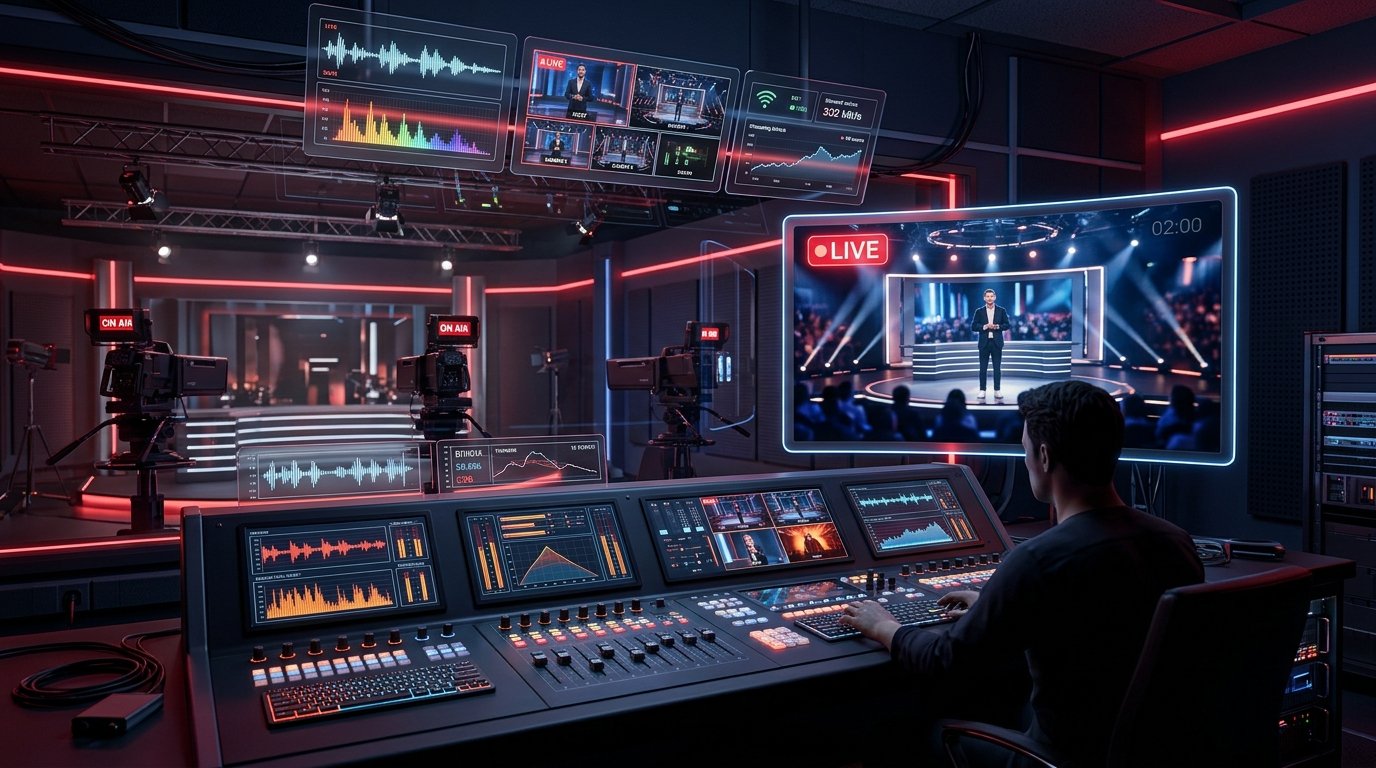
From Apple product unveilings and esports championships to podcast livestreams and major gaming broadcasts, YouTube Live is the internet's premier stage for real-time events. Broadcasters invest thousands of dollars into custom promotional artwork to drive anticipation weeks before the event starts.
Yet if you attempt to capture that artwork manually, you run into distinct problems: the glowing red "LIVE" badge, the active viewer count ticker, the chat window blocking the right third of the frame, and the countdown timer banner permanently superimposed over the graphic.
Using a dedicated youtube live thumbnail downloader allows you to bypass the live broadcast interface and retrieve the pristine, unblemished graphic directly from YouTube's media CDN. In this guide, we'll explain how live stream thumbnails work across their three distinct lifecycle phases and how you can save them at maximum resolution.
The 3 Lifecycle Stages of YouTube Live Stream Artwork
Unlike standard on-demand videos where a thumbnail remains static from the moment of upload, a live broadcast moves through three continuous technical states. Understanding these stages explains why generic downloaders frequently fail during active streams:
| Stage | Stream Status | What YouTube Displays | Thumbnail Availability |
|---|---|---|---|
| 1. Scheduled / Premiere | Waiting Room (Offline) | Waiting room card + countdown timer | 1080p MaxRes Master available |
| 2. Active Broadcast | Live Streaming (Online) | Active video player + LIVE badge + Live Chat | Master thumbnail cached on CDN |
| 3. Archived VOD | Stream Concluded | Standard on-demand video replay | Converted to standard 16:9 thumbnail |
Stage 1: Scheduled Broadcasts & Premieres (Waiting Room)
Days or hours before a live event begins, creators schedule the broadcast in YouTube Studio. During this period, YouTube assigns a permanent 11-character video ID and creates a public "waiting room" URL.
At this stage, the custom thumbnail uploaded by the broadcaster is already rendered and cached at full 1080p HD quality. Using a youtube live thumbnail downloader allows you to grab this event cover before the broadcast even begins.
Stage 2: Active Broadcast (The Live Player Catch)
When the broadcaster clicks "Go Live", YouTube replaces the static thumbnail with an HLS/DASH streaming video feed. The YouTube web player superimposes a bright red "LIVE" badge and an active viewer counter.
If you inspect the web page with browser developer tools while a stream is live, the <video> element covers the thumbnail layer. However, the original master artwork remains stored untouched on YouTube's CDN. A smart grabber like YTSnapIt extracts that raw CDN file, giving you the pristine graphic without any red badges or UI elements.
Stage 3: Concluded Streams & VOD Replays
Once the live stream finishes, YouTube processes the broadcast into a Video on Demand (VOD) archive. Creators often choose to replace the pre-stream "Starting Soon" thumbnail with a new, click-optimized thumbnail tailored for post-event search traffic. A live thumbnail grabber automatically fetches the latest updated graphic immediately upon CDN propagation.
How to Use YTSnapIt as a YouTube Live Thumbnail Downloader
Capturing artwork from any live stream or scheduled Premiere takes less than three seconds with YTSnapIt:
-
Copy the Live Stream Link: Whether the stream is currently live, upcoming tomorrow, or already finished, copy the URL from your browser bar (e.g.,
youtube.com/watch?v=LiveVideoIDoryoutube.com/live/LiveVideoID). -
Paste into YTSnapIt: Head to YTSnapIt.com and paste the link into the URL input field. YTSnapIt's regex engine recognizes both
/watch?v=and/live/URL syntaxes automatically. - Download Clean Master Art: View the generated preview cards. Select Maximum HD (1080p) or HD (720p) and tap Download Image. You get the 100% clean promotional poster without countdown timers, chat boxes, or viewer metrics.
Why Event Organizers & Esports Teams Rely on Live Thumbnail Grabbers
Professional production crews and event organizers frequently integrate live thumbnail downloading into their broadcast workflows:
- Tournament Bracket Archiving: Esports tournaments frequently update their thumbnail daily to reflect advancing teams, match scores, and championship brackets. Archiving each day's thumbnail preserves the historical timeline of the event.
- Multi-Platform Restream Marketing: When simulcasting across YouTube, Twitch, Kick, and Facebook Live, social media managers extract the high-res YouTube event card to create unified promotional banners on Discord and X (Twitter).
- Sponsor Deliverable Reports: Large brands sponsor live events on YouTube and expect comprehensive proof-of-performance decks showing their logo placement on the primary broadcast thumbnail. A live thumbnail downloader provides the uncompressed 1080p asset for client reporting.
Troubleshooting Live Stream Thumbnail Downloads
While YTSnapIt resolves the majority of live stream URLs effortlessly, here are three uncommon edge cases to keep in mind:
- Private or Members-Only Streams: If a live stream is set to private or restricted strictly to channel members, YouTube's CDN blocks public access to
maxresdefault.jpg. YTSnapIt will attempt to retrieve public preview fallbacks, but private assets remain protected. - Abruptly Terminated Streams: If a creator's stream disconnected unexpectedly due to internet failure, YouTube occasionally takes a few minutes to finalize CDN cache records. Refreshing the URL after 60 seconds resolves the issue.
- Mid-Stream Thumbnail Swaps: When an uploader changes the thumbnail mid-broadcast, Google's edge cache can take up to 5 minutes to propagate globally. If you see the old thumbnail, clearing your browser cache or performing a hard refresh will load the updated file.
Summary & Key Takeaways
Live stream covers represent some of the most eye-catching and time-sensitive graphic design work on the web. By utilizing a purpose-built youtube live thumbnail downloader like YTSnapIt, you eliminate the annoyance of screenshotting countdowns and red badges, unlocking instant access to crystal-clear 1080p event artwork for research, archival, and creative inspiration.