
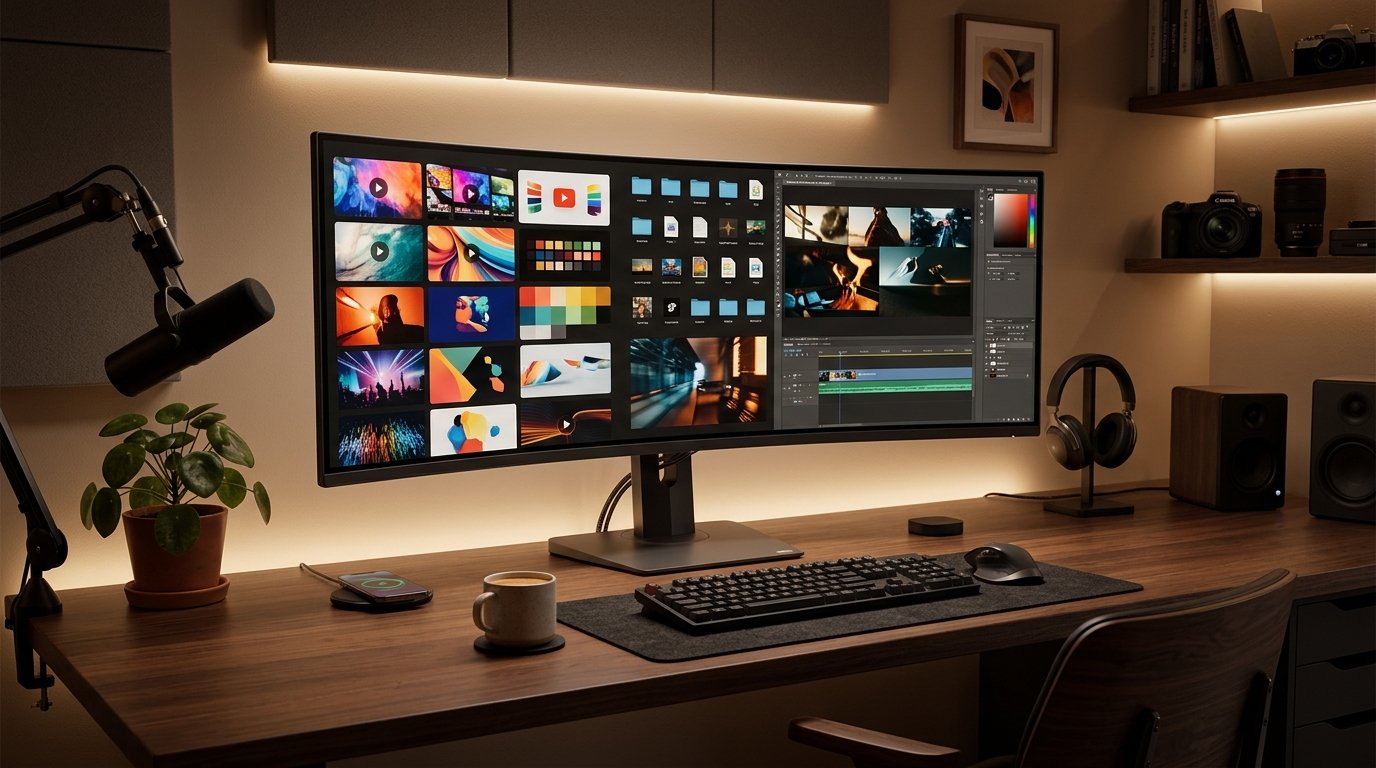
Ask any serious YouTube creator or thumbnail designer, and they will tell you the same thing: their Figma and Photoshop workspaces are filled with dozens of downloaded reference thumbnails. Top creators like MrBeast, Ali Abdaal, and Colin and Samir don't invent thumbnail visual concepts from scratch. They dissect what works, analyze gaze directions, inspect high-contrast outlines, and borrow composition ideas from different niches.
However, the actual process of downloading youtube thumbnails is often riddled with bad habits. Most creators resort to taking blurry screen captures, installing shady desktop software full of adware, or wrestling with uncooperative WebP files that refuse to open in older versions of Premiere Pro or Photoshop.
In this deep-dive tutorial, we will explore the proper technical workflows for extracting crystal-clear thumbnails, how to navigate modern image compression, and how to stay 100% compliant with copyright laws.
The 4 Ways People Download Thumbnails (And Why 3 of Them Are Flawed)
If you want to grab a YouTube thumbnail, there are generally four approaches creators try. Let's compare them honestly:
- Method 1: Snipping Tool / Screenshot (The Amateur Way): Taking a screenshot captures your computer's monitor resolution rather than the actual artwork. If your display is set to 1080p with 125% Windows scaling, you capture a resampled, blurry 800×450 box that contains progress bars, title banners, and rounded corner cutoffs.
-
Method 2: Browser Inspect Element (The Slow Way): Pressing
F12to open Chrome DevTools, navigating into the DOM tree, and hunting for<yt-img-shadow>will eventually lead you to an image URL. But it takes 30 seconds of clicking per video and frequently yields low-res responsivesqppreview crops. - Method 3: Heavy Desktop Extension Bloatware (The Risky Way): Chrome extensions promising one-click downloads often inject tracking scripts, request invasive browser permissions, or sell user browsing history to third-party data brokers.
- Method 4: Client-Side Web Utilities like YTSnapIt (The Smart Way): Lightweight, zero-installation web tools extract the exact 11-character video ID and fetch the raw master graphic directly from YouTube's CDN edge servers in under 500 milliseconds without passing through any intermediate proxy.
The WebP vs JPG Debate: Which Format Do You Actually Need?
In recent years, Google migrated much of YouTube's front-end image serving to WebP. WebP produces files that are roughly 30% smaller than legacy JPEGs while retaining comparable perceptual sharpness.
While WebP is fantastic for fast mobile loading, it creates major friction for video editors. Many offline design applications, older versions of Adobe Illustrator, and local digital asset managers still struggle to import raw WebP files.
| Format | Compression Type | Software Compatibility | File Size | Best Use Case |
|---|---|---|---|---|
| JPG / JPEG | Lossy (High Bitrate) | 100% Universal (Photoshop, Canva, Premiere) | 150 KB – 800 KB | Offline editing, pitch decks, client archives |
| WebP | Modern Predictive | Modern browsers, newer Adobe CC versions | 80 KB – 300 KB | Fast web embedding, lightweight site speed |
| PNG | Lossless | 100% Universal | 1.2 MB – 3.0 MB | Original creator master exports (before YouTube upload) |
When you use YTSnapIt for downloading youtube thumbnails, the tool prioritizes standard high-bitrate JPG files straight from YouTube's primary storage bucket (vi/[ID]/maxresdefault.jpg). That means you can drag and drop the saved file directly into Photoshop, InDesign, or DaVinci Resolve without having to run it through an annoying online converter first.
The Legal Reality: Is Downloading YouTube Thumbnails Copyright Infringement?
Copyright law around digital video imagery can seem intimidating, but the rules governing YouTube thumbnails are straightforward when broken down into clear legal principles:
1. Fair Use Doctrine (Section 107 of the US Copyright Act)
In the United States and similar common-law jurisdictions (like the UK Fair Dealing provisions and Australian Fair Handling), downloading and using copyrighted imagery without explicit permission is legally protected under four statutory factors:
- The Purpose and Character of the Use: Transformative uses—such as design critiques, tutorials, commentary, educational lectures, and news reporting—are strongly protected.
- The Nature of the Copyrighted Work: Thumbnails are promotional, publicly distributed marketing materials designed to be viewed openly by millions.
- The Amount Used: Using a thumbnail as part of a review video or reference deck uses only a fraction of the creator's total creative work.
- The Effect on the Market: Showing a thumbnail in an educational breakdown does not steal views or revenue from the original creator; in fact, it often promotes their channel.
2. Where Creators Cross the Line (What NOT to Do)
Where creators run into severe penalties (including YouTube Community Guidelines strikes and DMCA takedown notices) is plagiarism:
- Direct Re-uploading: Downloading a competitor's thumbnail and setting it as the cover of your own video without alteration is copyright infringement.
- Face Swapping Fraud: Taking a famous creator's viral thumbnail and simply photoshopping your own head over theirs while keeping the identical background, text, and composition is unethical and risks copyright strikes.
Creator Checklist: Building a Professional Thumbnail Swipe File
If you want to level up your channel's click-through rate, start building an organized thumbnail swipe file today:
- Create a Dedicated Folder: Set up a folder in Google Drive, Notion, or Milanote named
Thumbnail Inspiration. - Download Top Niche Outliers: When you see a video in your niche with 10x the views of that channel's subscriber count, immediately run the URL through YTSnapIt and save the 1080p master.
- Tag by Visual Emotion: Categorize your saved thumbnails by emotion: Curiositiy, Fear of Missing Out (FOMO), Transformation, or Challenge.
- Test on Mobile Grids: Before publishing your next video, import your new thumbnail alongside five downloaded top-performer thumbnails on a 390×844 mobile phone artboard in Canva to see if your design stands out in the feed.
Summary & Final Advice
Mastering the art of downloading youtube thumbnails is a staple skill for any modern digital creator, video strategist, or graphic designer. By relying on high-speed, client-side tools like YTSnapIt instead of clumsy screenshots, you guarantee that your reference library stays razor-sharp, your creative mood boards look professional, and your ethical standards remain spotless.